IPTV Canada: How to Add Favorites Quickly
Want to add your favorite channels to IBO Player in just 2 minutes? Follow this simple step-by-step guide to manage your favorites easily and get the most out of your Quebec IPTV service through MediaWave.
Step 1: Open the IBO Player App
Open IBO Player on your device. Make sure your MediaWave IPTV subscription is active to access all available channels.
Step 2: Select Your Favorite Channel
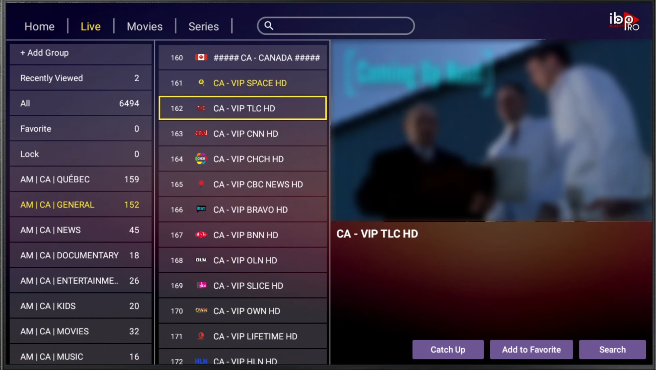
Browse through the channel list and select the channel you want to add to your favorites. You can include your local channels or your favorite channels from a Canadian IPTV service.
Step 3: Add to Favorites
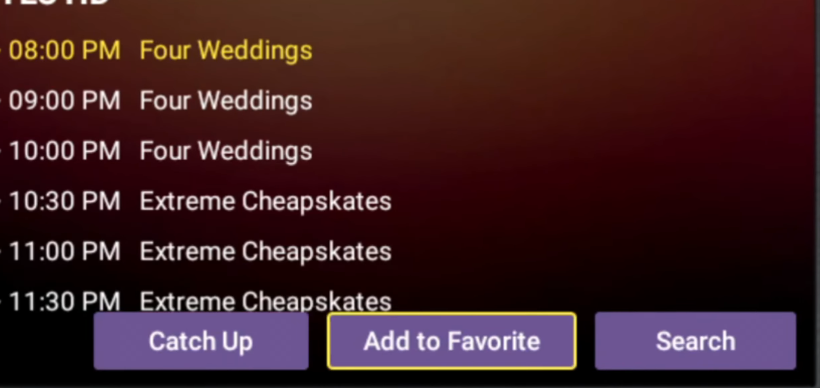
At the bottom of the screen, click the “Add to Favorite” button to save the channel. This allows you to access it quickly from your favorites list.
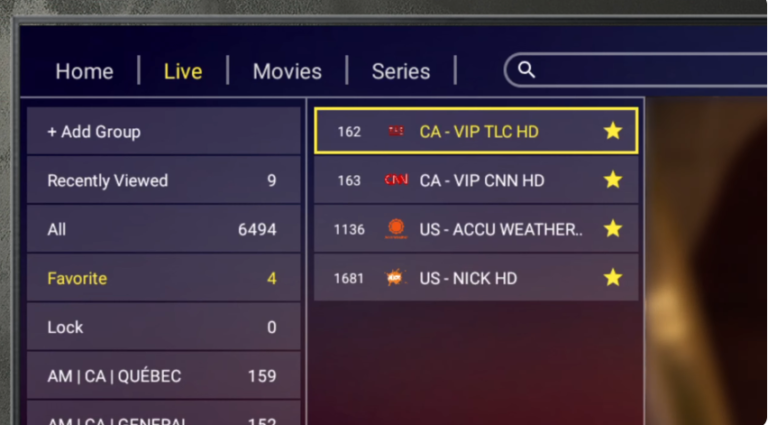
Step 4: Access Your Favorites
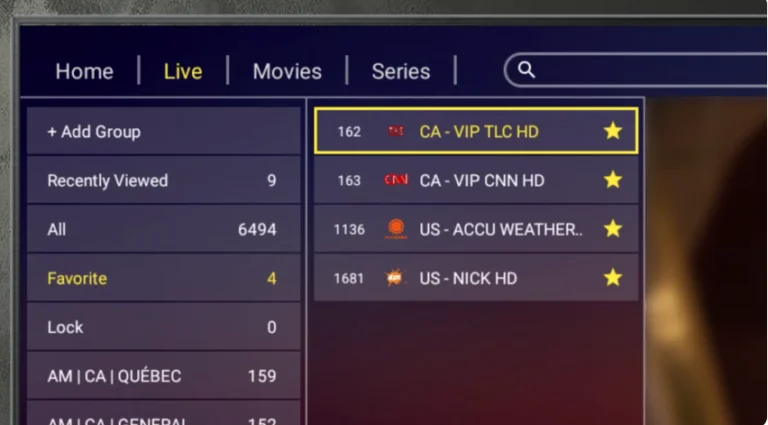
Return to the main channel list on the left and click “Favorite.” All the channels you have added will appear here for quick and easy access.